

Pacing with a heart rate ceiling: how a watch can help with ME/CFS, long COVID and POTS
What the guidelines say about pacing, where the heart rate ceiling comes from, how much evidence stands behind it, and what a health app should stop doing for you.
Why pacing, and not more exercise
In ME/CFS the hallmark symptom is post-exertional malaise (PEM): symptoms get worse after physical, mental or emotional effort, and the worsening is often delayed by hours or days and can last days, weeks or longer (Kingdon et al. 2022, summarising the NICE guideline). Many people with long COVID describe the same pattern.
That is why the UK's NICE guideline for ME/CFS (NG206, 2021) says graded exercise therapy should not be offered, nor any program built on fixed, step-by-step increases in activity. What it puts first is energy management: a self-managed approach, supported by a clinician, in which you aim to stay within your energy limit and do not push through symptoms.
A limit you cannot see is hard to respect, especially when the price arrives two days later. This is where a wearable helps: heart rate is measured all day, and it rises with effort before you feel the cost.
Where the heart rate ceiling comes from
The most widely shared rule comes from the Workwell Foundation: take your average resting heart rate over seven days and add 15 beats per minute. A resting rate of 60 gives a ceiling of 75.
Be clear about how much stands behind that number: little published validation. In a 2023 survey of 488 people with ME, most found heart rate monitoring helpful for understanding and managing PEM, but the authors note that research on it is scarce and call for more (Clague-Baker et al. 2023). The formula is a practical starting point, not a measured threshold. A ceiling set by your doctor, or one taken from a cardiopulmonary exercise test if you have had one, is better. And whatever number you use, the real test is your own experience: if days spent under it still end in crashes, the ceiling is too high for you.
With POTS, heart rate jumps when you stand up, even without effort. Short spikes on standing are expected, which is why counting minutes above the ceiling over a day tells you more than any single peak.
What a watch can do, and what it cannot
- It can measure heart rate all day. Most current watches and rings sample heart rate continuously; some send it on minute by minute, others only as daily summaries.
- It can buzz in real time, but only the watch itself. An app on your phone or on the web receives the data after the watch syncs, minutes or hours later. For an instant warning, check what your watch offers: some high heart rate alerts work only at rest or start at a fixed threshold that may sit above your ceiling, and a ring cannot buzz at all. During a recorded activity, a heart rate zone or limit alert usually works in real time.
- It cannot read your energy envelope directly. Mental effort, a stressful phone call or a hot shower can cost energy without a dramatic heart rate. Heart rate is one window onto the limit, not the limit.
What a health app should stop doing
Most fitness apps are built to get you moving: a daily step goal, rings to close, a coach that says you are ready to train, streaks that break. For someone pacing, every one of those pulls the wrong way. A good pacing setup removes them rather than just letting you ignore them.
How Energy pacing works in MyBodyAI
- Your ceiling, your number. In Settings you enter a ceiling between 60 and 180 bpm. If you do not have one, the app can suggest your seven-day resting heart rate + 15, clearly labeled as a rule of thumb with thin evidence. It is never set without you.
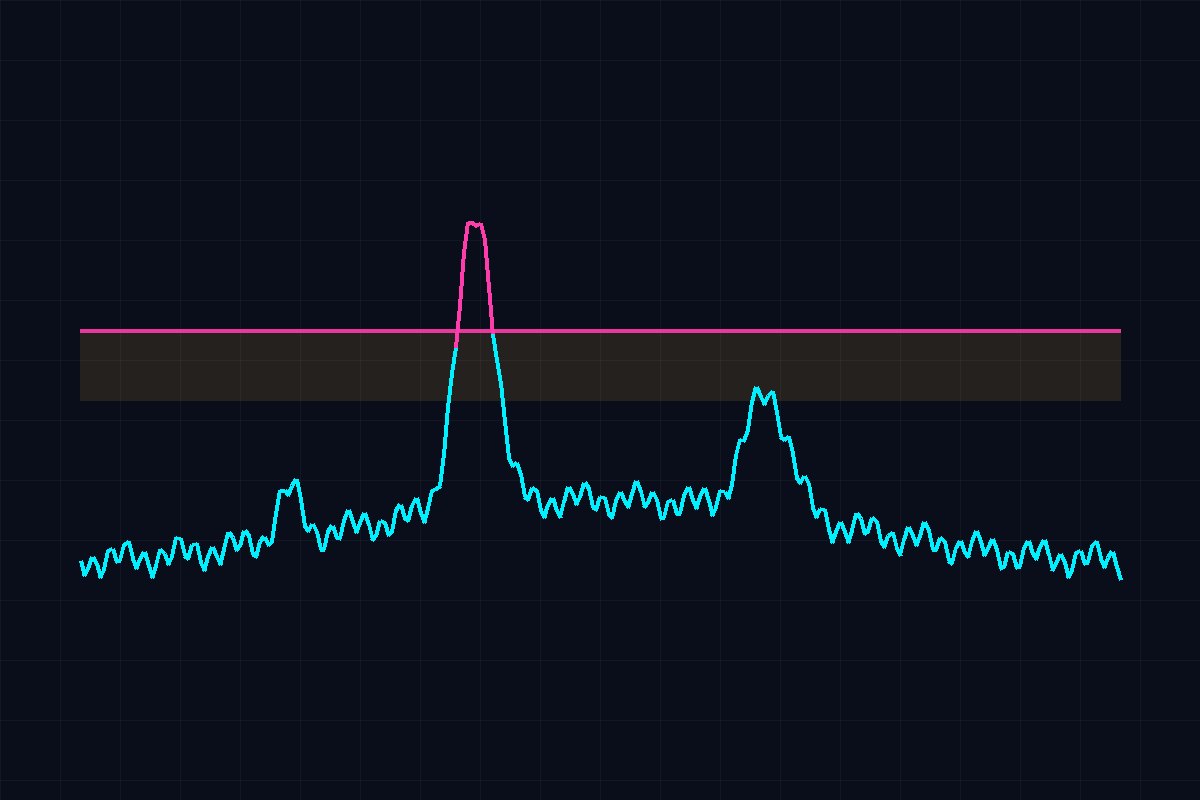
- The day against the ceiling. The 24-hour heart rate chart draws your ceiling and a caution band 10 beats below it, and shows how many minutes you spent above it.
- No push to move. The step goal and active minutes goal disappear, the step mission goes, the load and recovery card leaves the Overview and the daily coach never recommends training.
- Free on every plan. The mode and its heart rate chart stay available on the free plan, too.
- Which devices. Minute-level heart rate reaches us from Polar, Oura and Garmin (connected by login), and from any watch that writes heart rate into Android Health Connect. Withings, COROS and the Fitbit or Google Health connection do not send us minute-by-minute heart rate today; there the mode still removes the push to move, but it cannot count minutes over the ceiling unless the heart rate also reaches Health Connect.
MyBodyAI is a wellness app, not a medical device. Energy pacing shows measured heart rate against a ceiling you choose. It does not diagnose ME/CFS, long COVID or POTS and does not replace your doctor.
Other options
Visible is an app built for long COVID, ME/CFS, POTS, fibromyalgia and EDS. It uses its own armband made by Polar, measures heart rate through the day and HRV overnight, budgets the day in PacePoints and sends a notification to your phone when you over-exert. If you want one dedicated device with phone alerts, it is worth a look. MyBodyAI suits you if you want to keep the watch or ring you already own and see your whole day, nights included, against your own normal.
References
- National Institute for Health and Care Excellence (2021). Myalgic encephalomyelitis (or encephalopathy)/chronic fatigue syndrome: diagnosis and management. NICE guideline NG206.
- Kingdon C, Lowe A, Shepherd C, Nacul L (2022). What primary care practitioners need to know about the new NICE guideline for ME/CFS in adults. Healthcare, 10(12), 2438.
- Clague-Baker N, Davenport TE, Madi M et al. (2023). An international survey of experiences and attitudes towards pacing using a heart rate monitor for people with myalgic encephalomyelitis/chronic fatigue syndrome. Work, 74(4), 1225 to 1234. doi:10.3233/WOR-220512.
- Visible: product description on makevisible.com, read on 2026-10-26.
Frequently asked questions
What heart rate ceiling should I use for pacing?
Ideally one from your doctor, or from a cardiopulmonary exercise test if you have had one. Without that, many people start with the Workwell rule: seven-day average resting heart rate + 15 bpm. Little published research has tested it, so treat it as a starting point and lower it if days under it still end in crashes.
Can MyBodyAI warn me the moment I go over my ceiling?
No. Data reach the app only after your watch syncs, so an instant warning has to come from the watch itself. Check whether its heart rate alert can be set to your ceiling (some work only at rest or from a fixed threshold, and a ring cannot buzz); during a recorded activity, a heart rate zone alert usually works in real time. MyBodyAI shows the whole day against the ceiling and counts the minutes you spent above it.
Does Energy pacing cost anything?
No. Energy pacing and its heart rate chart are free on every MyBodyAI plan, including the free plan.
Which devices work with Energy pacing?
Minutes over the ceiling need minute-level heart rate: Polar, Oura and Garmin connected by login, or any watch that writes heart rate into Android Health Connect. With Withings, COROS or the Fitbit and Google Health connection the mode still removes step goals and training advice, but cannot count minutes over the ceiling.
Is MyBodyAI a medical device for ME/CFS or POTS?
No. It is a wellness app. It shows measured heart rate against a ceiling you choose and does not diagnose or treat any condition. Agree your ceiling and your pacing plan with your doctor.
Found this useful? Share it.