 Fold Table Clock
A bedside clock and alarm for your fold
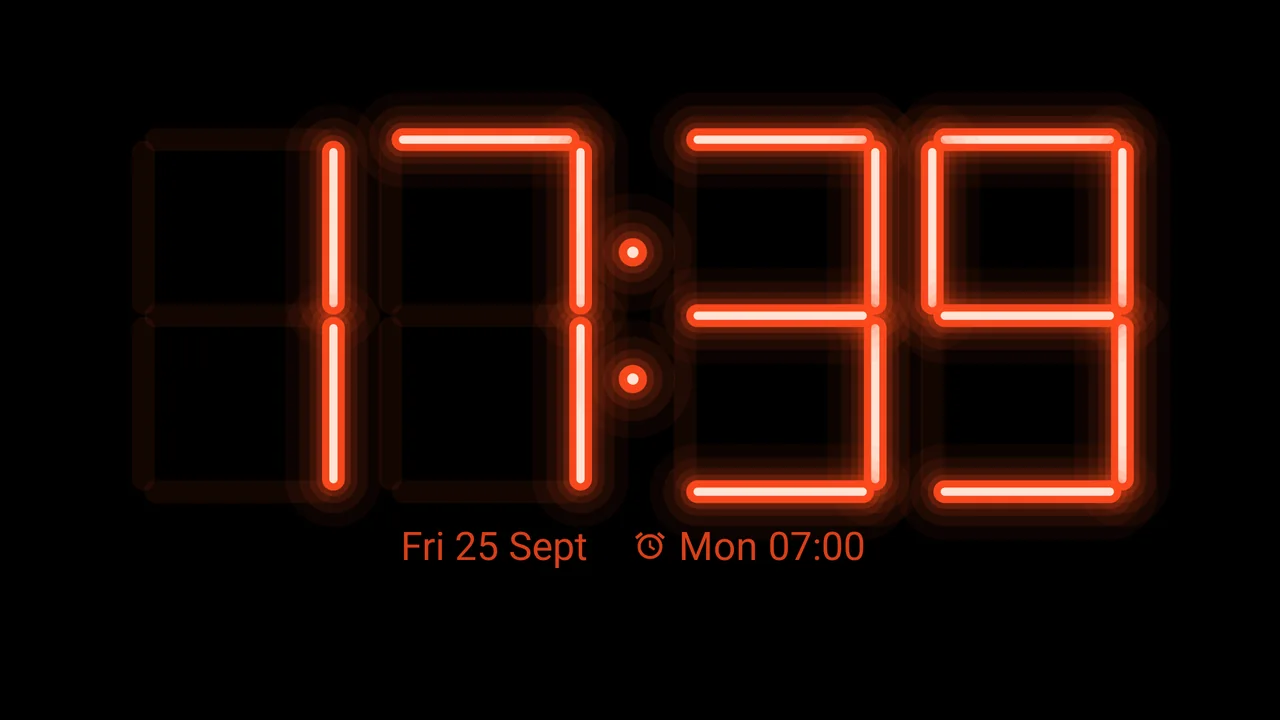
Start the clock, stand your foldable like a tent, and the cover screen shows the time in landscape. It runs on any phone with Android 10 or newer, and its alarms ring even after a restart at night, before you enter your PIN.
- Closed test on Google Play starting soon
- Free
- No ads
- No internet access
How to join the test
While the app is in testing, Google Play shows it only to Google accounts that joined the testers group and became testers. It takes five steps and a few minutes.
-
01
One Google account
Use the Google account that Google Play runs on in your Android phone, and stay signed in with it for every step.
-
02
Open the group
Join the testers group
Open the Fold Table Clock testers group on Google Groups and tap Join group.
-
03
Open the tester page
Become a tester
Open the tester page on Google Play and tap Become a tester.
-
04
Open in Google Play
Install the app
On your phone, open Fold Table Clock on Google Play and install it. If Play says the app is not available, wait a few minutes and check that Play uses the same account.
-
05
Stay for 14 days
Keep the app installed and stay in the test for at least 14 days. Tell us what works and what does not at support@aiclysm.com.
The test opens once Google approves the test version. Until then the tester page says the app is not available, but you can join the group already.
Six faces, and each one yours
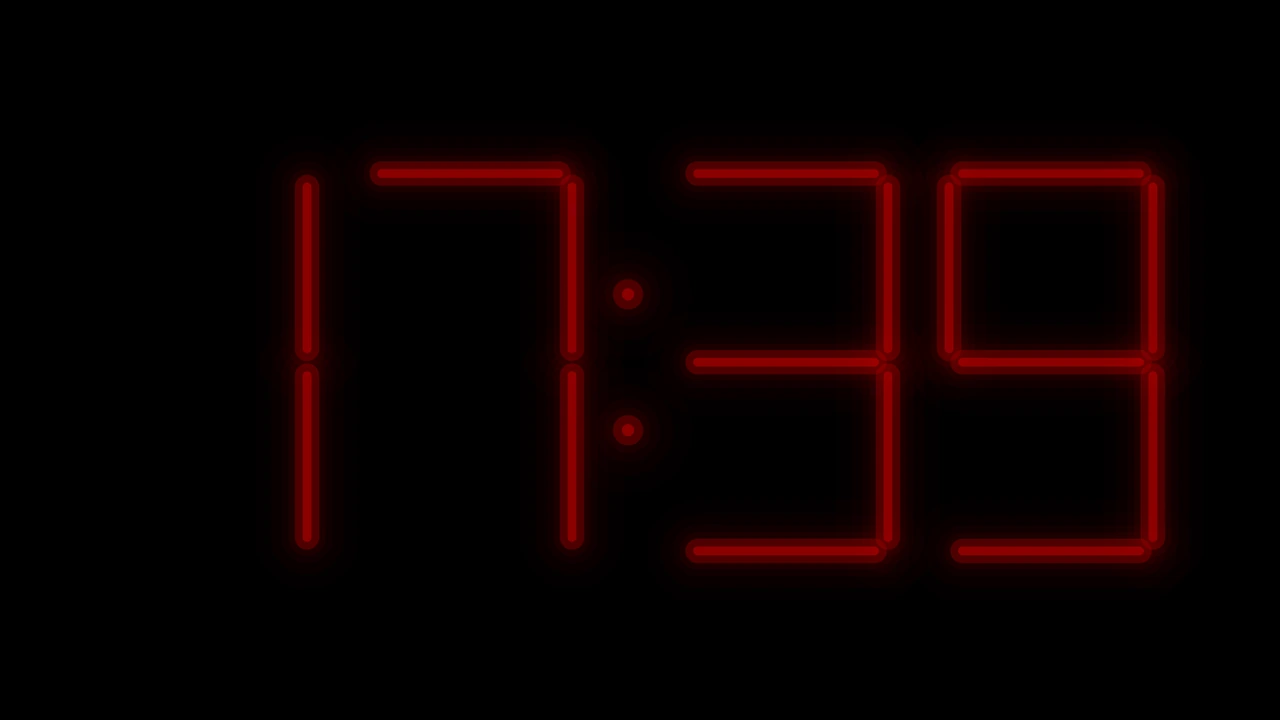
Swipe up or down to switch faces. Hold a finger on the clock to change its color, style, size, brightness, glow and details such as the date, the next alarm or the battery.
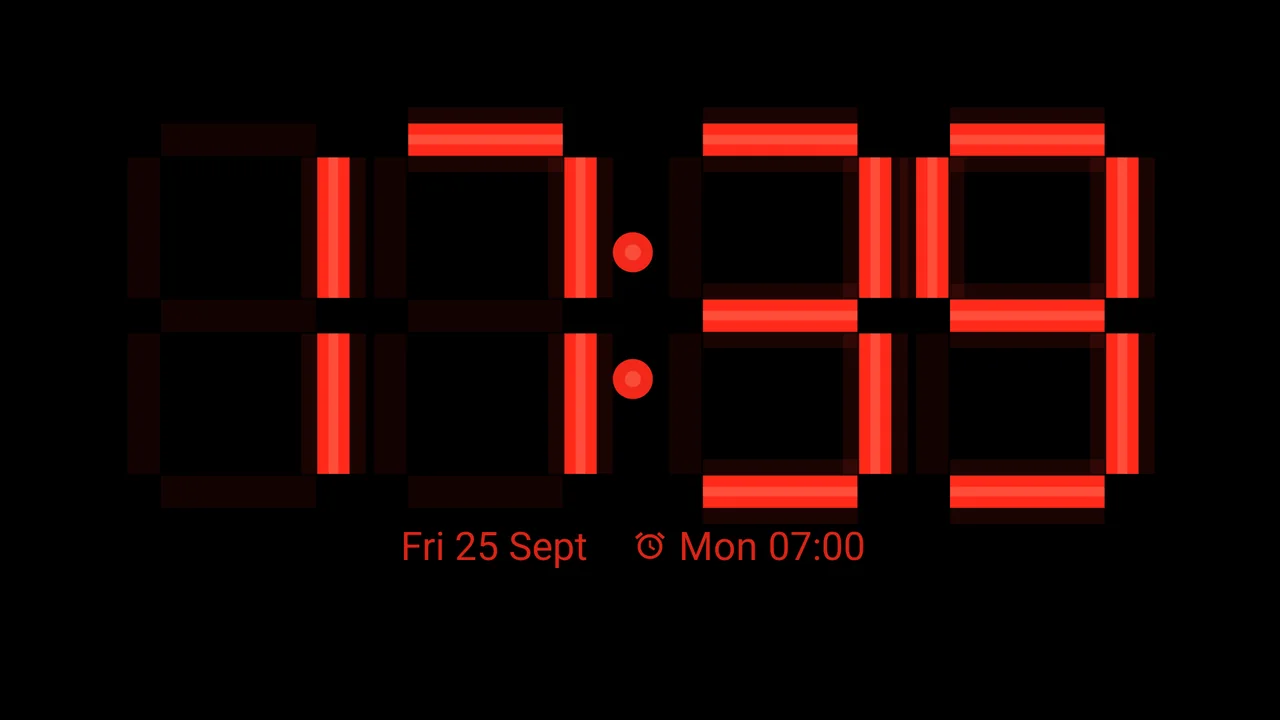
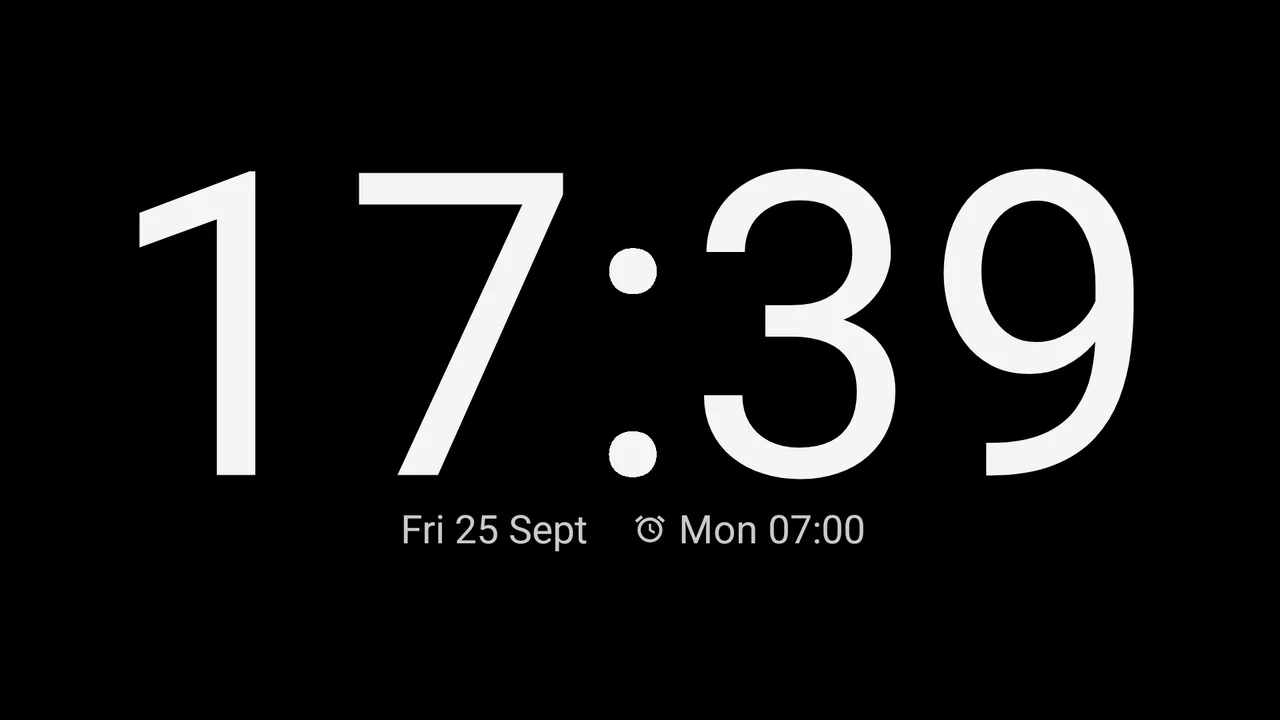
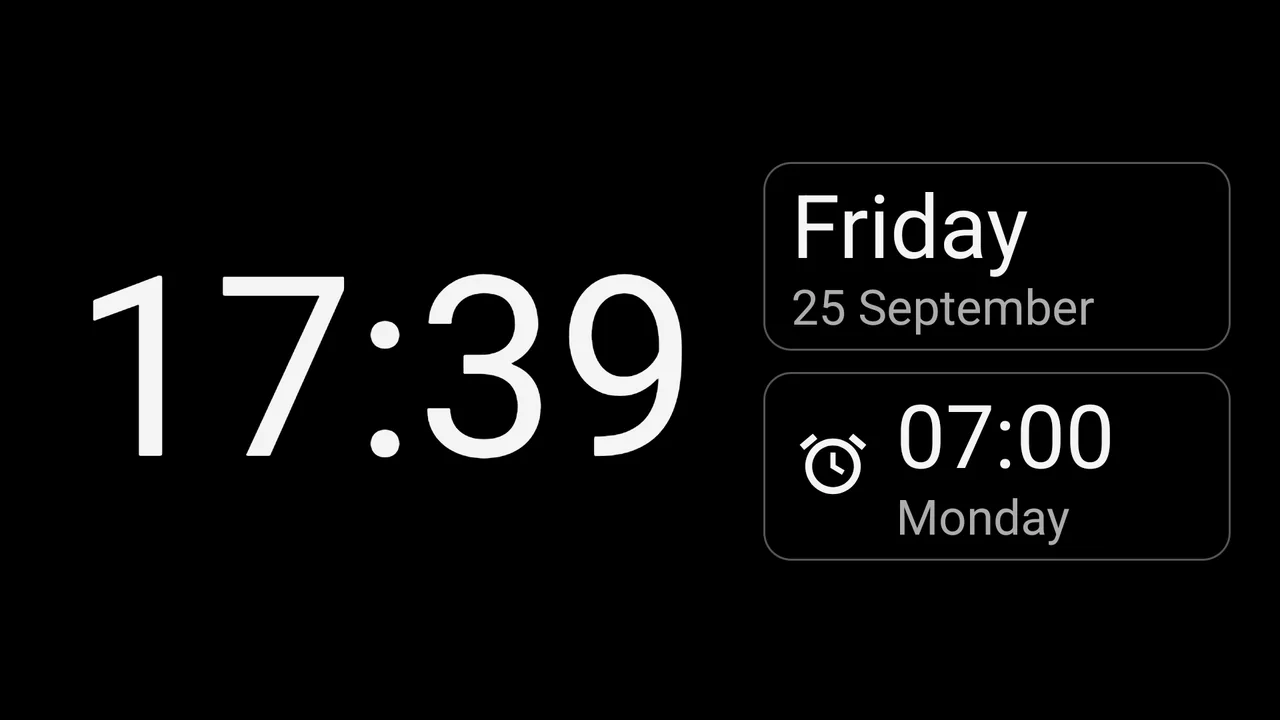
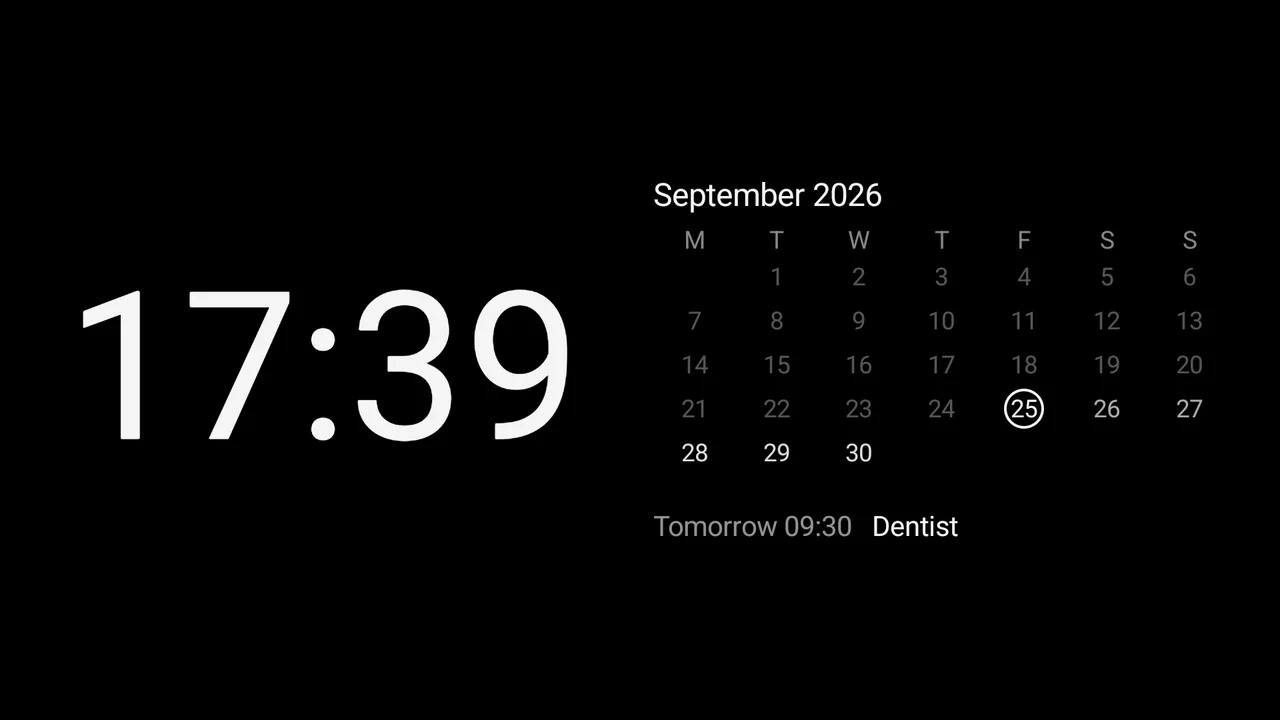
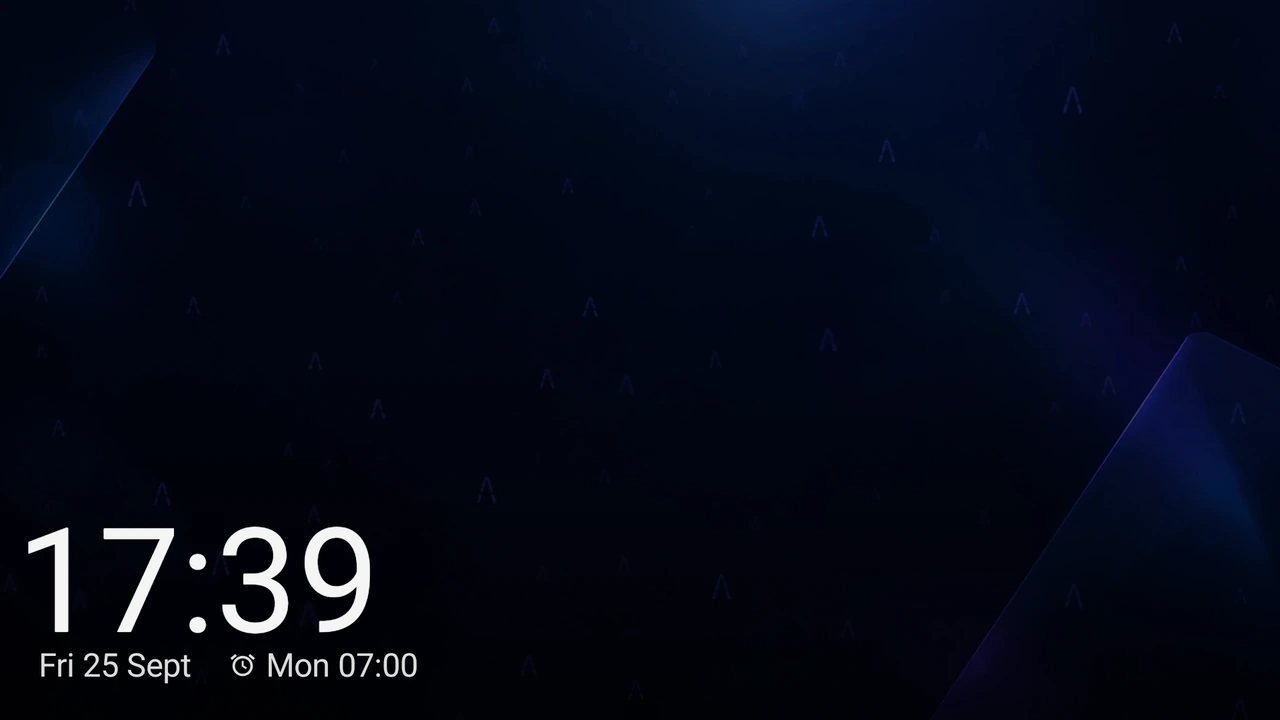
The font choice applies to every face except Neon and Red LED, which draw their own digits.
Readable in the dark, gentle on your eyes
- Night colors. When the room goes dark, the clock turns deep red or amber and dims as much as you like. A phone without a light sensor uses your night hours instead.
- Five display modes. Always on, wake on motion, by room light, by schedule, or like the system.
- Wake it your way. A tap, a double knock on the nightstand, a wave of the hand or the room light coming on.
- Quiet by day. After a while without movement the clock dims; you choose when and how much.
- Kind to OLED. The picture drifts slowly to reduce burn-in.
An alarm you can trust
- Rings after a restart. Exact alarms ring even after a restart at night, before you enter your PIN.
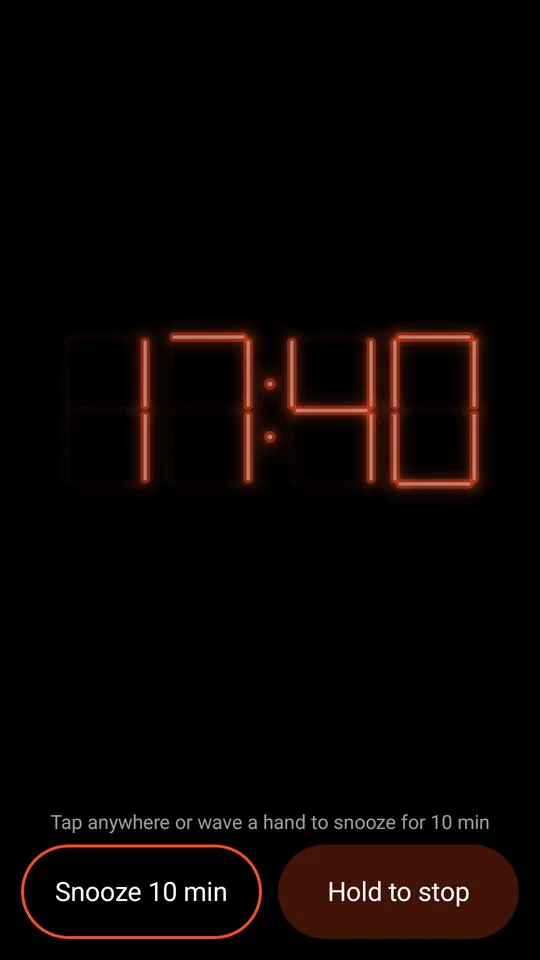
- Snooze without looking. Tap anywhere or wave to snooze. Hold to stop, or simply unfold your foldable.
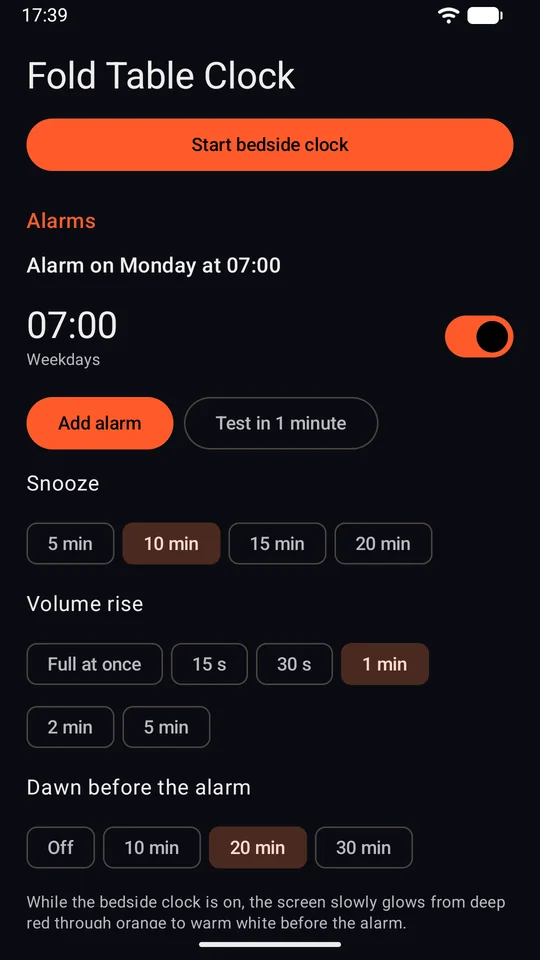
- A soft start. The volume rises gently, and while the clock is on screen a dawn glow lights it before the alarm.
- A check before you sleep. The home screen warns about Do Not Disturb, a muted alarm volume, blocked notifications or a low battery.
- Try it first. A test alarm rings in one minute.
Made for a fold, fine on any phone
On a foldable
Start the bedside clock in the app, then stand the phone half open like a tent. The cover screen shows the time in landscape, no stand needed.
When the alarm rings on the cover screen, unfolding the phone stops it.
On any other phone
Put the phone on a stand or lean it against something on the nightstand. Every face, the night colors and the alarms work the same.
It needs Android 10 or newer. It speaks English and Czech, following the language of your phone.
Nothing leaves your phone
The app has no internet access: it does not even ask Android for it. It has no accounts, no ads and no analytics. The calendar and photos are optional and stay on your phone.
This website is not the app. It counts visits with Umami, without cookies, as its own privacy policy explains.
Frequently asked
Which phones does it run on?
On any phone with Android 10 or newer, foldable or not. On a foldable it also uses the cover screen in tent posture.
Do I have to be a tester on Google Play?
Yes. While the app is in testing, Google Play offers it only to Google accounts that are in the testers group and tapped Become a tester. Install it on a phone signed in with that same account.
What does it cost?
The test version is free, with no ads and no in-app purchases.
Why is it not on Google Play for everyone yet?
Google lets a new app from a personal developer account go public only after a closed test with at least 12 testers over 14 days. You can be one of them.
Does the clock start by itself when I stand the phone up?
No. You start the bedside clock in the app, and from then on the display mode you chose decides when the screen lights up.
Which languages does it speak?
English and Czech. It follows the language of your phone.